
If you forgot your Help Center password, you can easily reset it using the steps below.
Steps
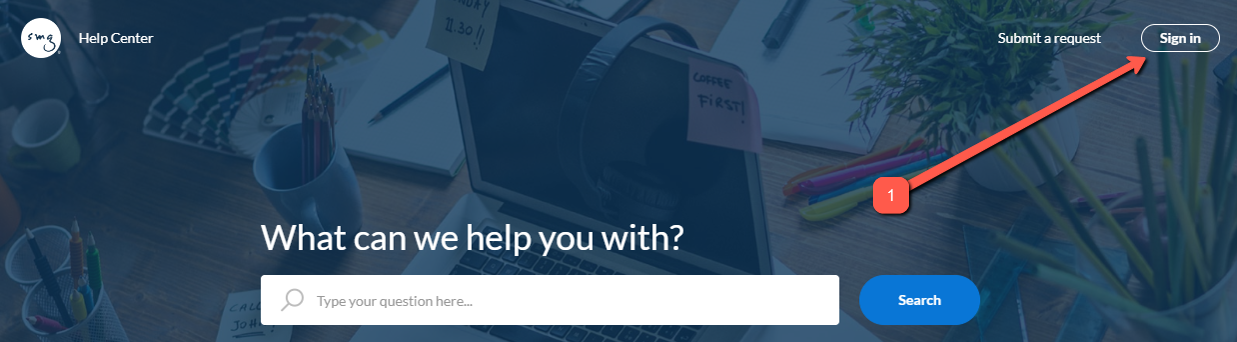
Click on the Sign in button at the upper-right corner of the page.
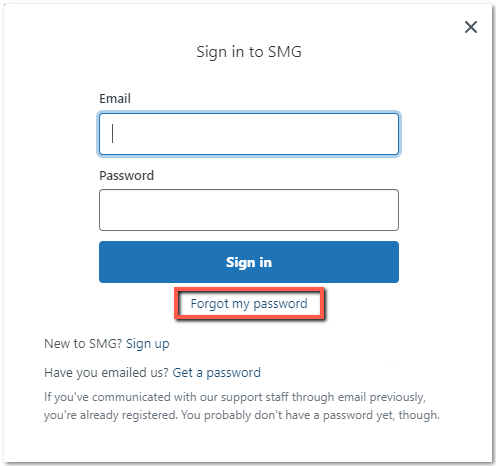
Click on the Forgot my password option.
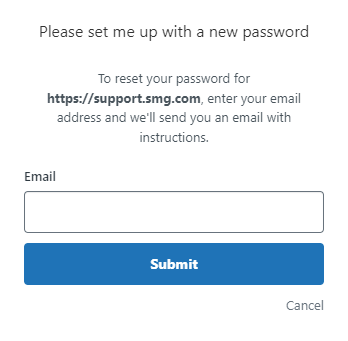
The next window should then ask for your email address, fill it out with the email address you used to sign up.
Check your email and you should receive one that contains a link to Set a new password. After clicking, you'll be routed back to Zendesk and asked to set a password, once done, you'll be automatically logged in to Zendesk.
Comments
Article is closed for comments.